VirtualizedList vs FlatList in React Native
Explaining the difference between VirtualizedList and FlatList, with diagrams, examples, common mistakes, and best practices.
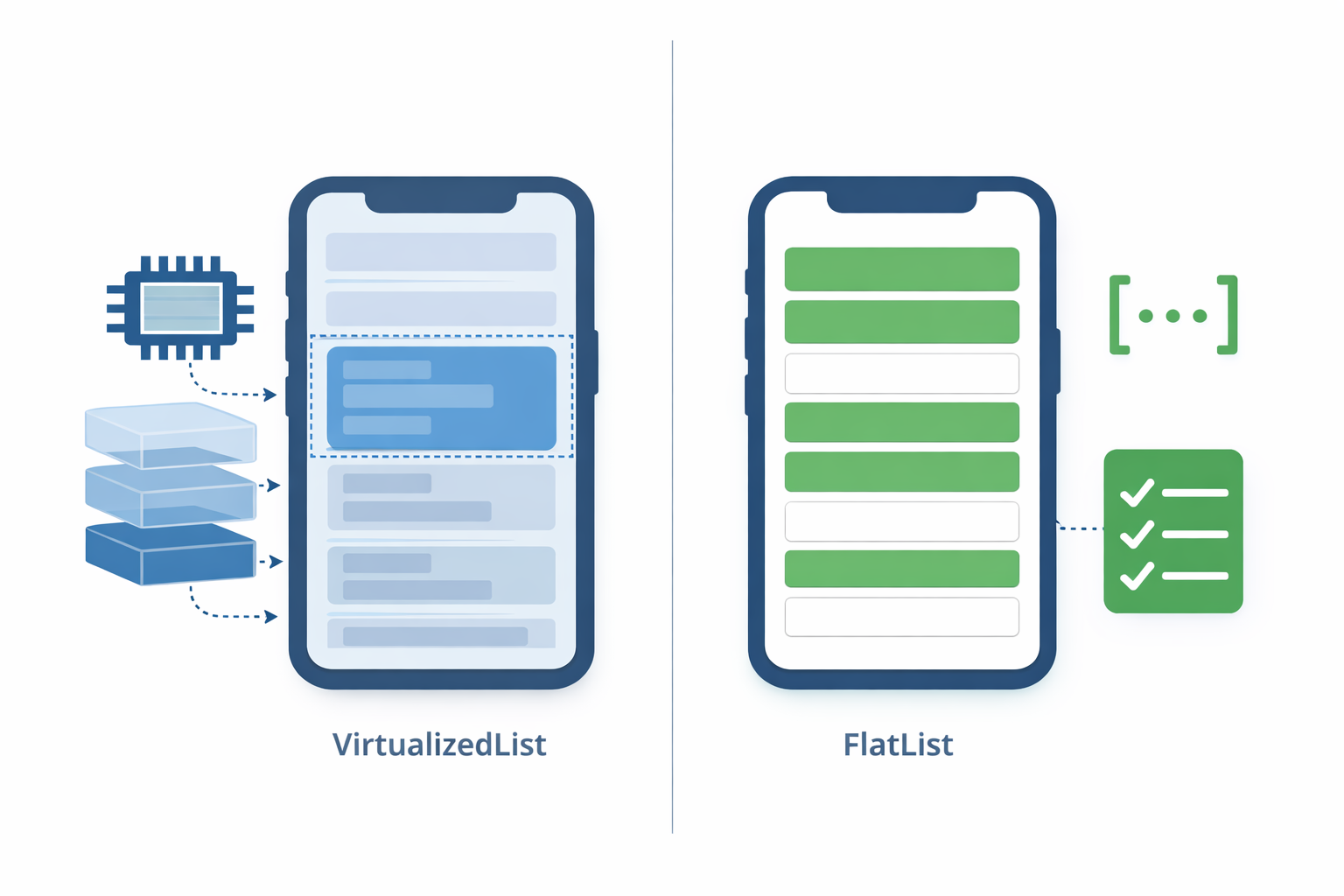
In React Native, FlatList and VirtualizedList are components designed for efficiently rendering large lists. The main difference is the level of abstraction.
VirtualizedList is the base component that implements virtualization. FlatList is a higher-level abstraction built on top of VirtualizedList, ready to work with simple arrays.
Virtualization means only items within a “window” (viewport + buffer) are mounted.
1
2
3
4
5
6
7
8
9
10
11
12
Total list (1000 items)

[ 0 ][ 1 ][ 2 ][ 3 ][ 4 ][ 5 ][ 6 ][ 7 ][ 8 ] ... [999]

Current viewport:
                ┌────────────────────┐
                [ 120 ][121][122][123]
                └────────────────────┘

Actually mounted items:
[115][116][117][118][119][120][121][122][123][124][125]
        ↑ buffer before and after ↑
Items outside this window are unmounted, reducing memory usage and render cost.
VirtualizedList
As a generic component, VirtualizedList does not assume your data is a simple array. You must define how to access each item.
1
2
3
4
5
6
7
8
9
10
11
12
13
14
15
16
17
18
19
20
21
import { VirtualizedList, Text, View } from 'react-native';

const data = {
  items: Array.from({ length: 1000 }, (_, i) => ({ id: i, title: `Item ${i}` }))
};

export function MyVirtualizedList() {
  return (
    <VirtualizedList
      data={data}
      getItemCount={(data) => data.items.length}
      getItem={(data, index) => data.items[index]}
      keyExtractor={(item) => item.id.toString()}
      renderItem={({ item }) => (
        <View style=>
          <Text>{item.title}</Text>
        </View>
      )}
    />
  );
}
Use cases: generally not needed in most apps. Its flexibility comes with responsibility; misuse can degrade performance.
FlatList
FlatList is a specialized wrapper for simple arrays. Internally it uses VirtualizedList but already implements getItem and getItemCount.
1
2
3
4
5
6
7
8
9
10
11
12
13
14
15
16
17
18
19
20
import { FlatList, Text, View } from 'react-native';

const data = Array.from({ length: 1000 }, (_, i) => ({
  id: i,
  title: `Item ${i}`,
}));

export function MyFlatList() {
  return (
    <FlatList
      data={data}
      keyExtractor={(item) => item.id.toString()}
      renderItem={({ item }) => (
        <View style=>
          <Text>{item.title}</Text>
        </View>
      )}
    />
  );
}
Use cases (99.9% of cases):
- Simple array-based lists
- Feeds, message lists, catalogs, search results
It’s simpler, less error-prone, but with the same virtualization capabilities.
Performance Considerations
Both approaches use windowing-based virtualization. Key props affecting performance:
initialNumToRendermaxToRenderPerBatchwindowSizeremoveClippedSubviewsgetItemLayout
Common Mistakes
1
2
3
renderItem={({ item }) => (
  <Item onPress={() => handlePress(item)} />
);
Creates a new function on every render. Better:
1
2
3
4
5
6
7
const handlePress = useCallback((item) => {
  // ...
}, []);

const renderItem = useCallback(({ item }) => (
  <Item onPress={() => handlePress(item)} />
), [handlePress]);
Understanding VirtualizedList is essential for senior React Native developers. Knowledge of getItem, getItemCount, windowing, batching, and viewport calculations allows recognizing memory, performance, and re-render issues not visible at the FlatList level.
Advanced use cases, such as internal components in a design system, highly customized lists, or complex data abstractions, require this understanding to avoid misuse and architectural limitations.